


Overview
Once the order (including Worry-Free Delivery products) is shipped, the ParcelPanel Protection policy takes effect immediately, meaning the order is protected. If the goods experience loss, delays, damage, or theft (porch piracy), your customers can file a claim for compensation.
If you prefer watching a video:
This article will explain the claim process in detail. The steps are as follows:
1. Go to Seel's resolution center
2. Select the issue type and submit details
3. Choose Payment Method for Compensation
4. Wait for Seel’s review (usually within 48 hours)
5. Receive compensation after review approval
Eligibility for Filing a Claim
1. The order’s cover status is active.
2. The claim is submitted within the filing window.
Overview
ParcelPanel Protection is a simple way to offer shipping insurance for lost, damaged, or stolen packages. It helps you avoid financial losses and keeps your customers satisfy by ensuring quick reimbursements through an insurance provider.
In this article, we will show you:
• Benefits of ParcelPanel Protection for your business
• Limitations of the ParcelPanel Protection
• Worry-Free Delivery and its coverage
• Activate ParcelPanel Protection
• Consumer claim submission process
• ParcelPanel Protection sustainability initiative
Terms of service
Worry-Free Delivery is a service provided by Seel. It protects against shipping loss, delays, damage, and theft (porch piracy). Coverage details include:

Even more, Worry-Free Delivery includes carbon-neutral shipping within the recipient’s country 🌍
Consumer claim submission process
Customers can opt to purchase Worry-Free Delivery during checkout to protect their packages against loss, delays, damage, and theft (porch piracy). Claim Process:
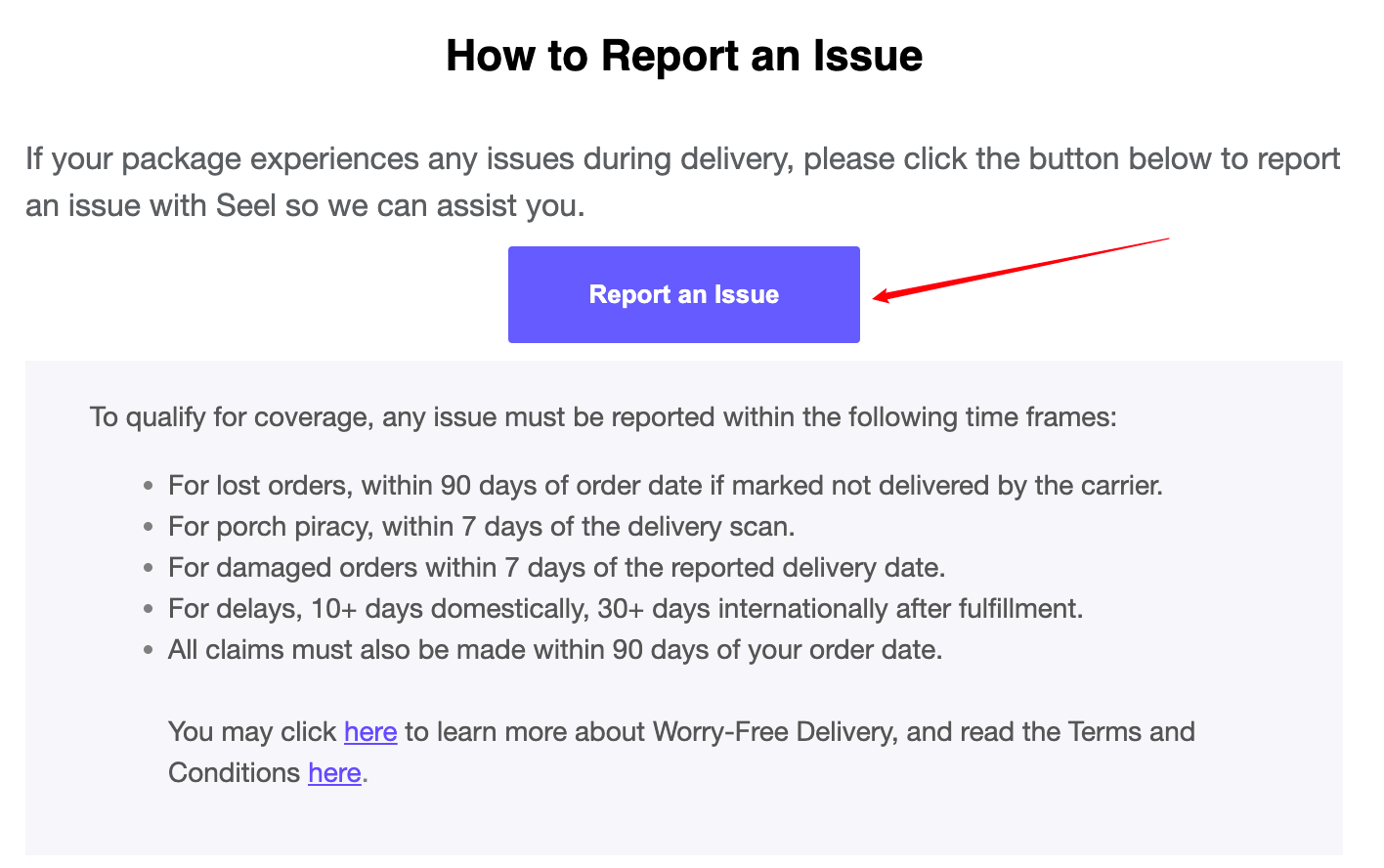
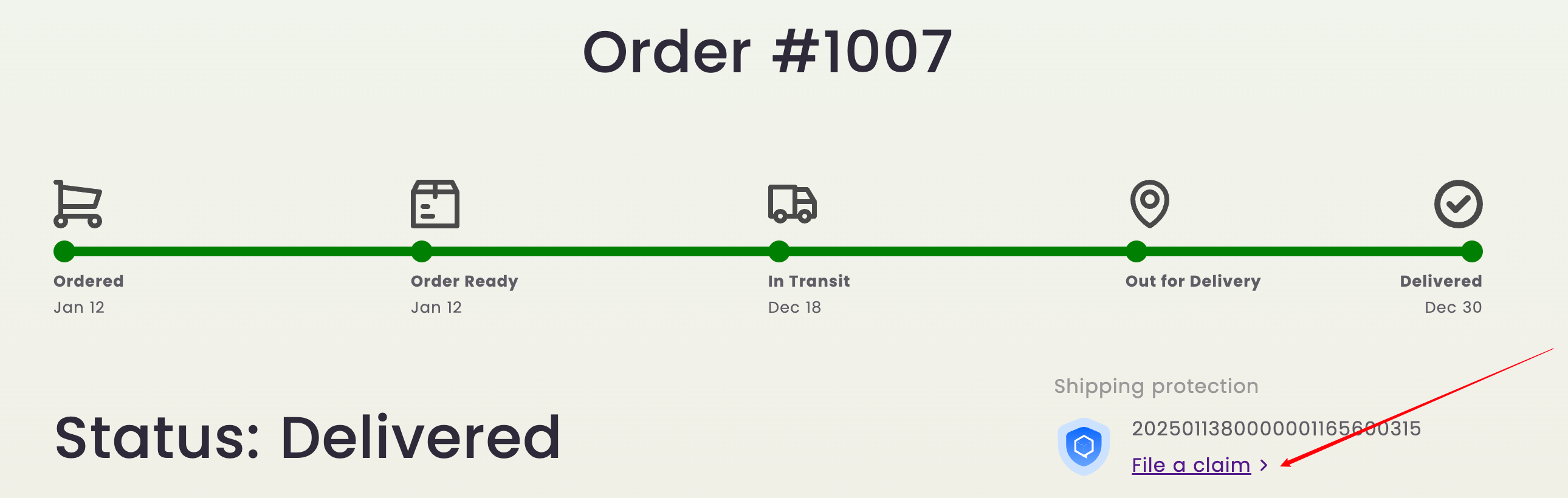
1. If shipping issues occur, customers can file a claim through the Shipping Protection Resolution Center which can access via the email received after purchasing Worry-Free Delivery or ParcelPanel order tracking page.
2. Customers filed a claim through the claim portal and the claim is approved, they can request a refund.
3. The refund will be directly transferred to the payment method filled in by the customer, ensuring a hassle-free resolution for your customers.
To learn more about the claims process, please visit https://docs.parcelpanel.com/shopify/shipping-protection/file-a-claim/.
Claim button in the email Claim button in the ParcelPanel's tracking page
Seel's claim portal
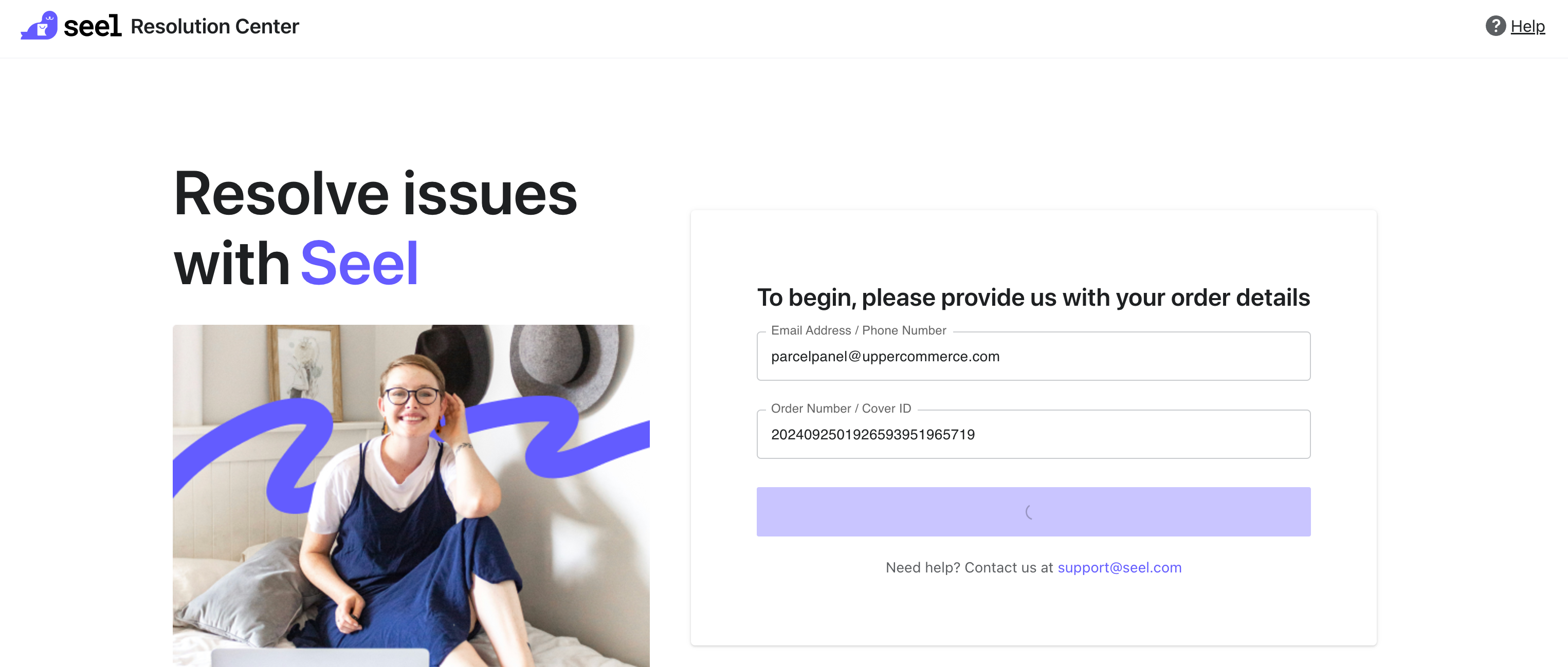
Step 1: Go to Seel's resolution center
Consumers can access Seel's resolution center in the following ways:
1. From the email received after purchasing Worry-Free Delivery
Simply click the "Report an Issue" button. This will automatically populate the customer's information, so no further details need to be entered.

2. From the ParcelPanel order tracking page
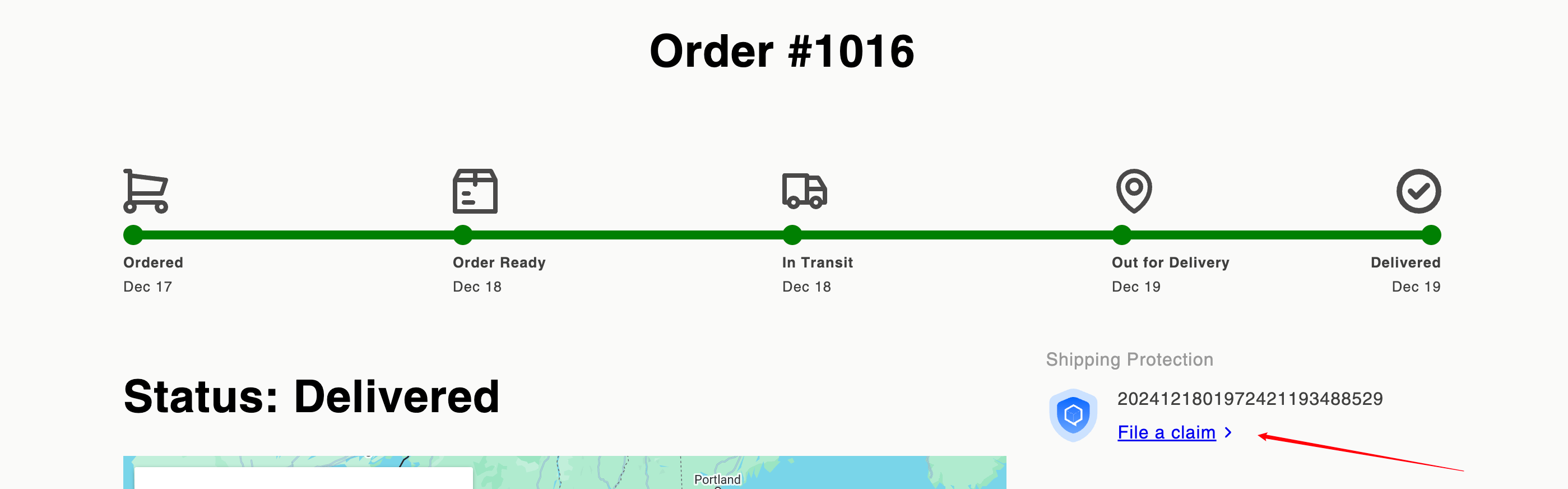
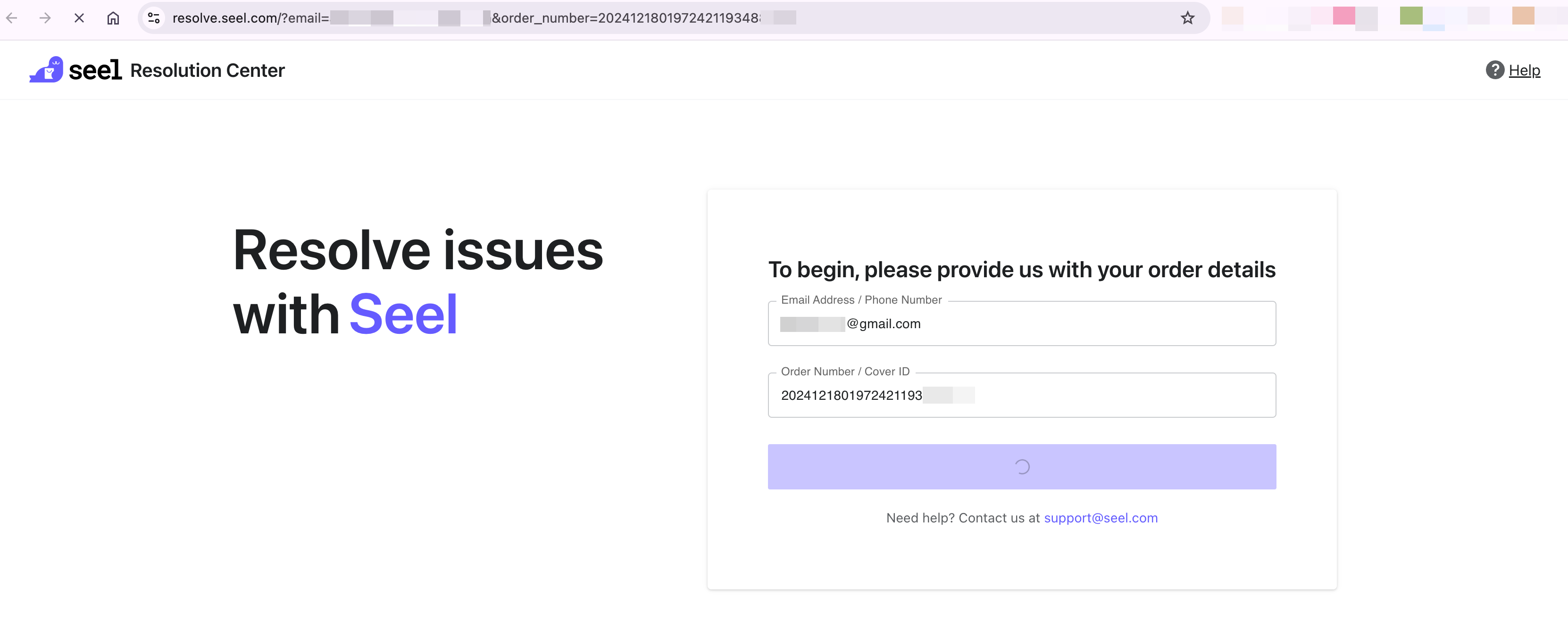
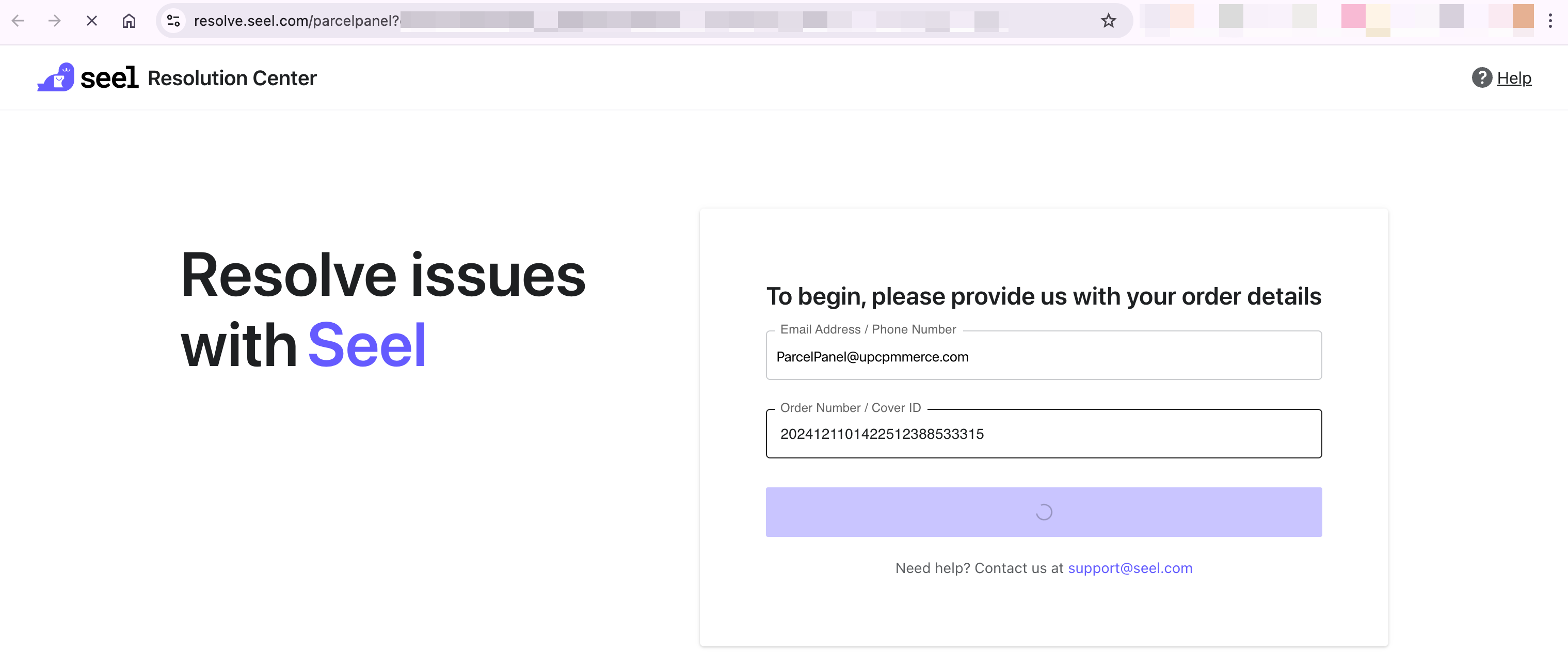
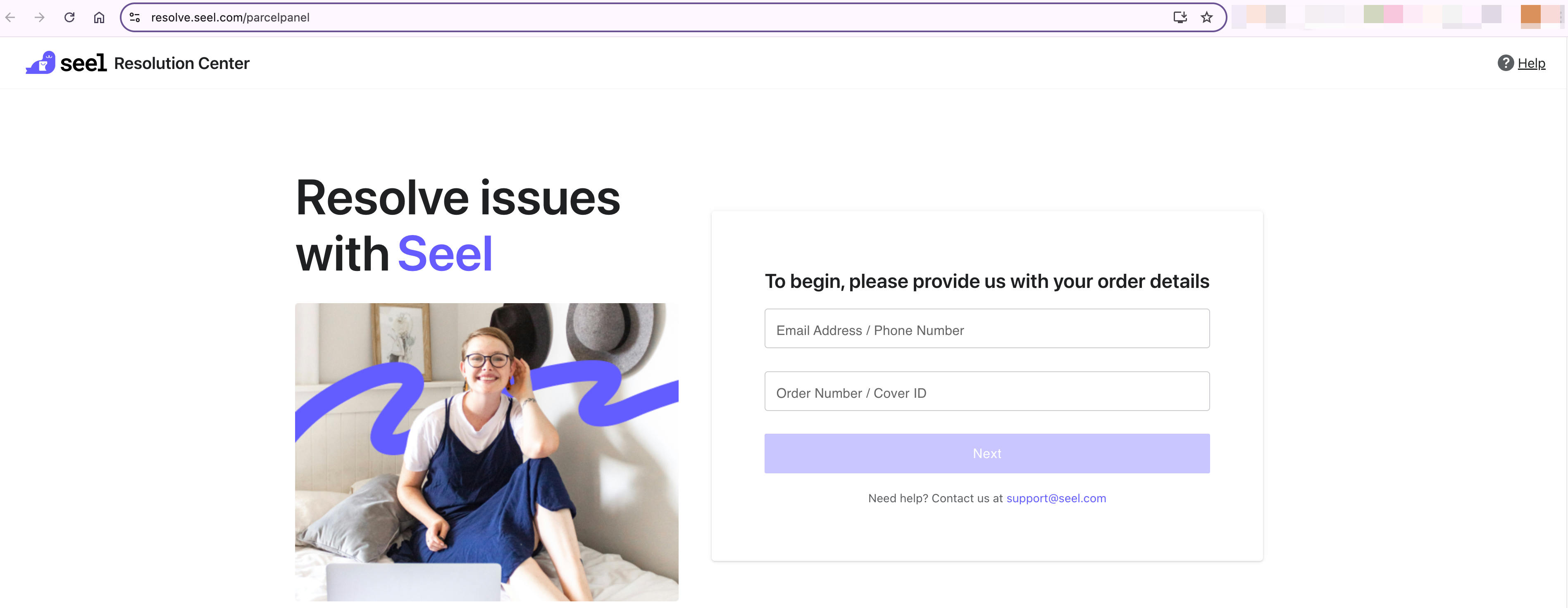
3. Via the Seel's resolution center website: https://resolve.seel.com/parcelpanel
If the customer accesses the website directly, they will need to manually enter their information, including Email Address / Phone Number + Order Number / Cover ID, to log in.
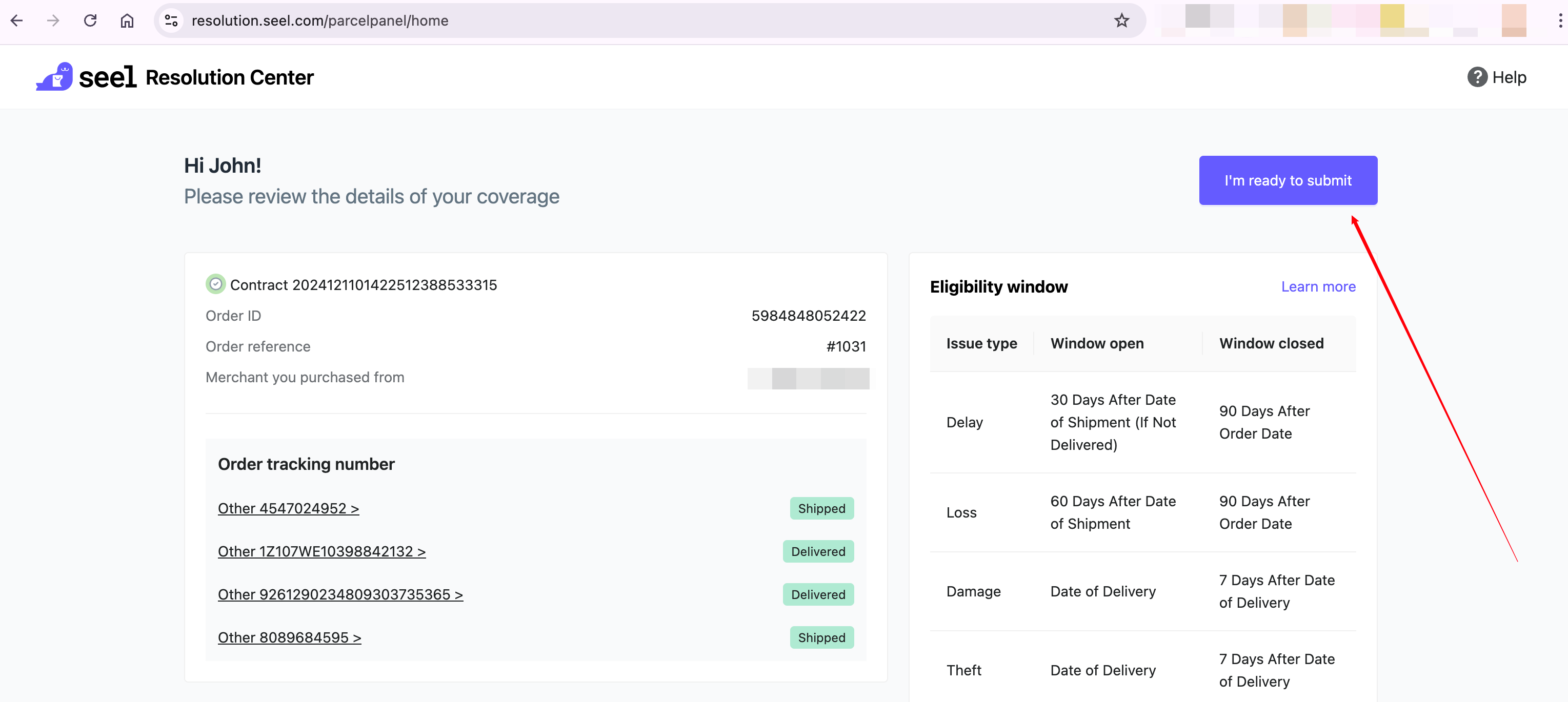
Step 2: Select the issue type and submit details
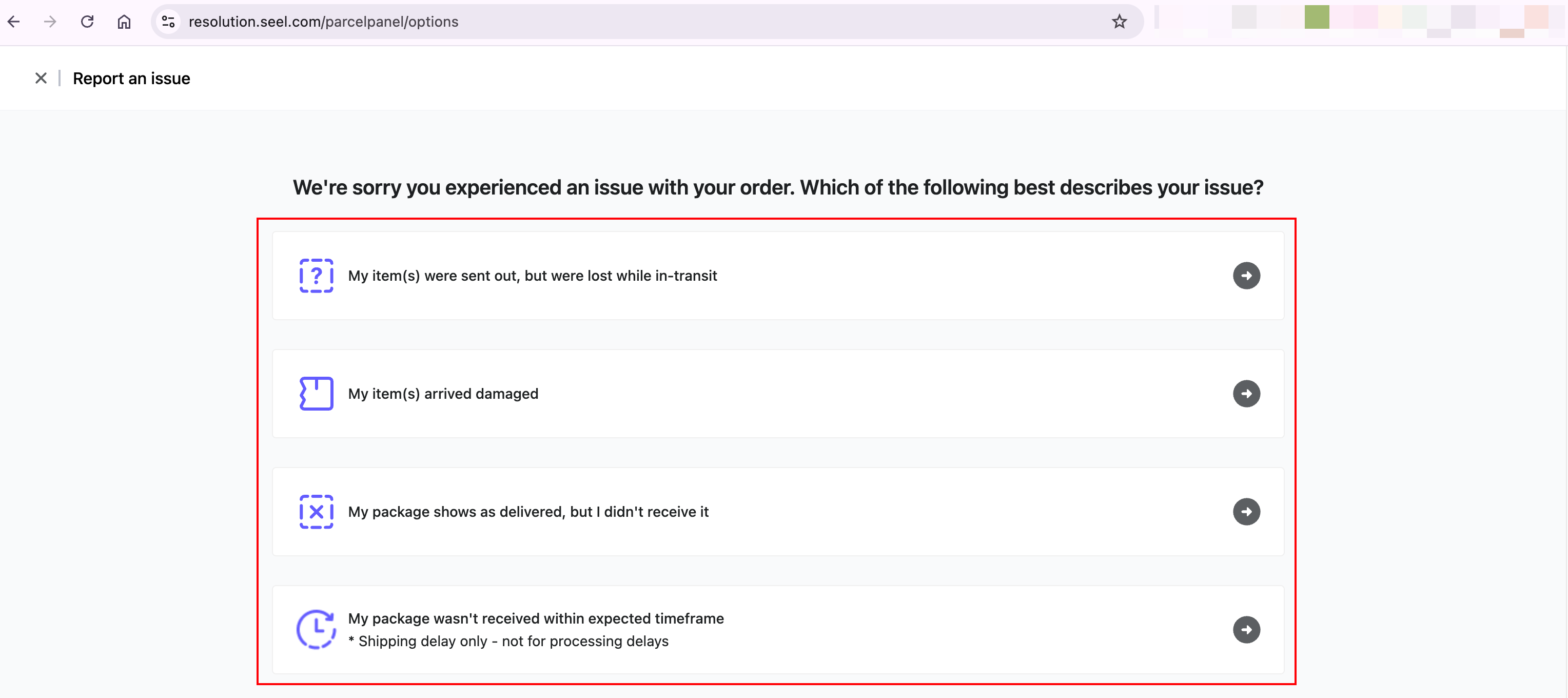
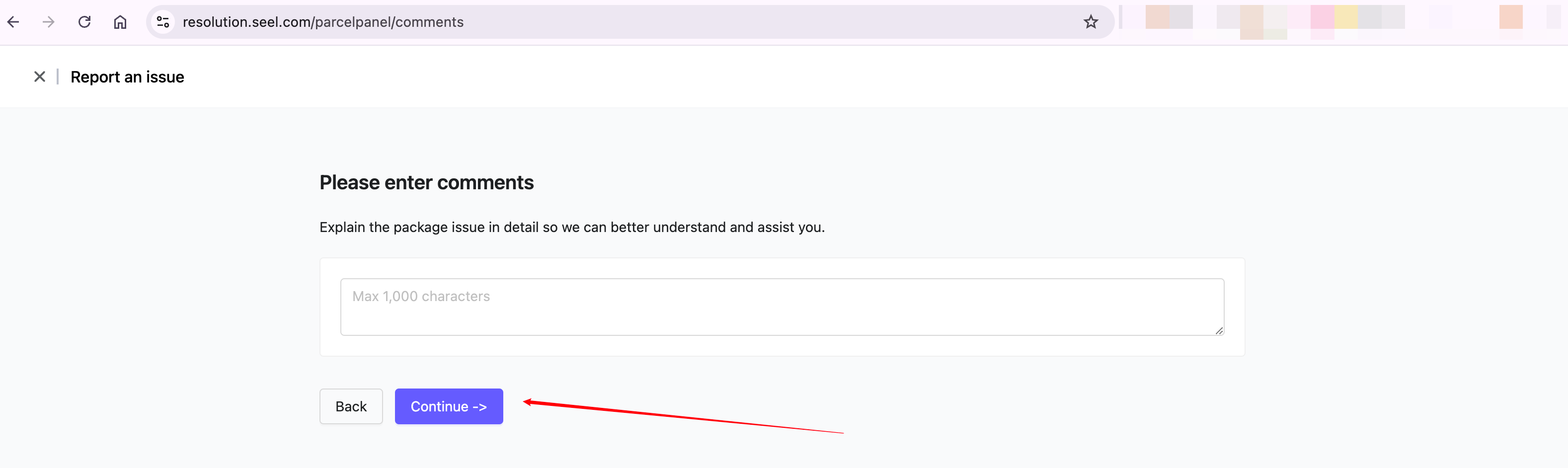
Click the "I'm ready to submit" button → Choose the issue type with the package and Select the relevant package from the list → Check the corresponding package, then click the "Continue" button → Provide as many details as possible according to the prompts on the page, then click "Continue." → (Optional) Enter comments and click "Continue."
In this example, I choose "My package shows as delivered, but I didn't receive it" (Theft)
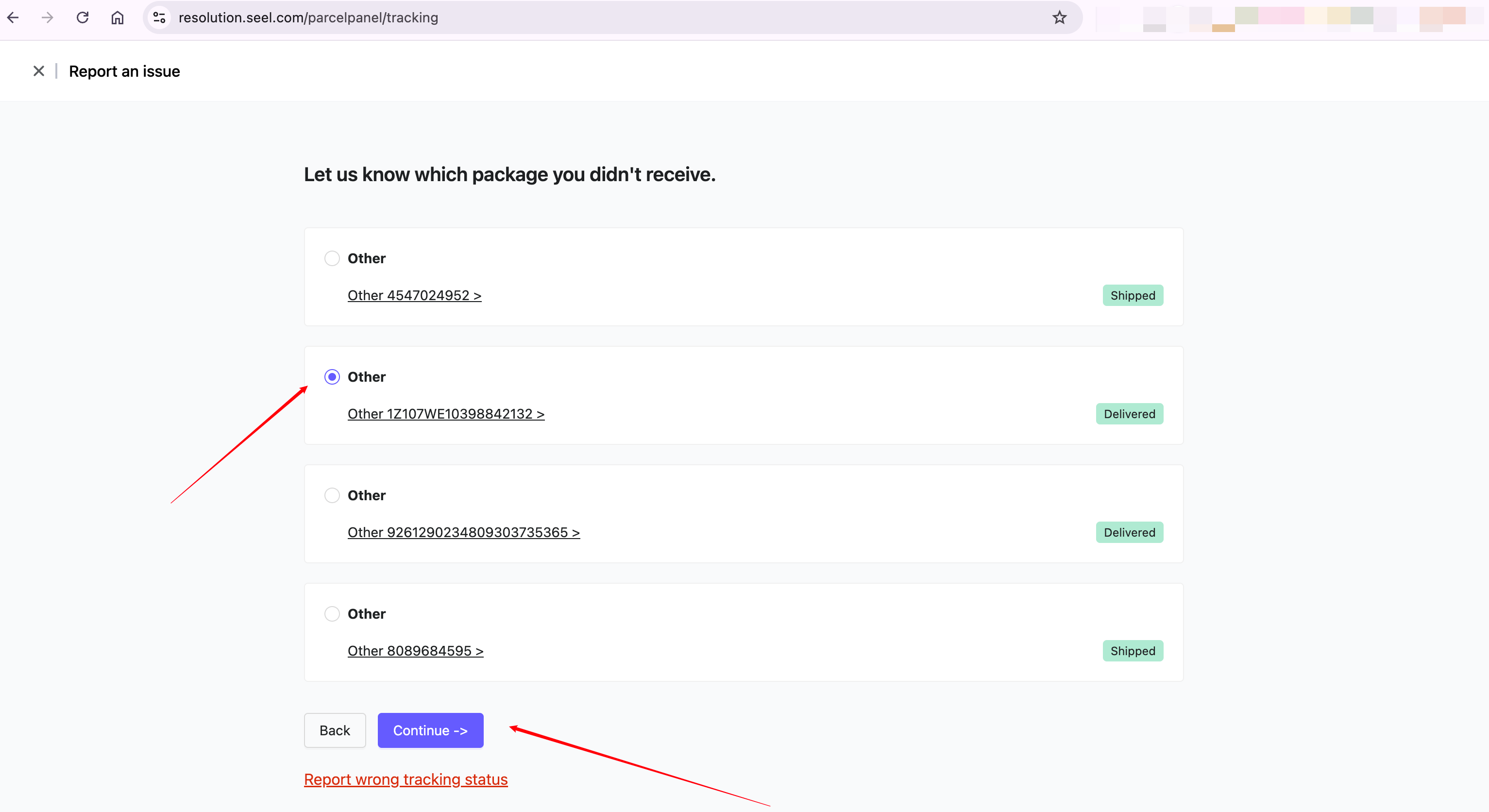
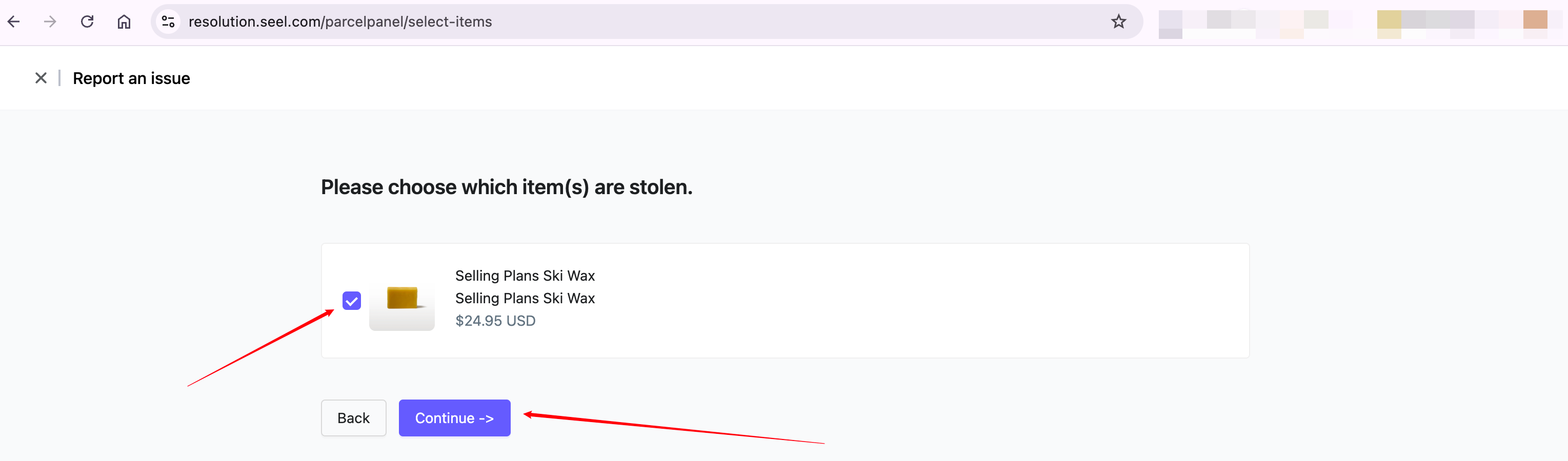
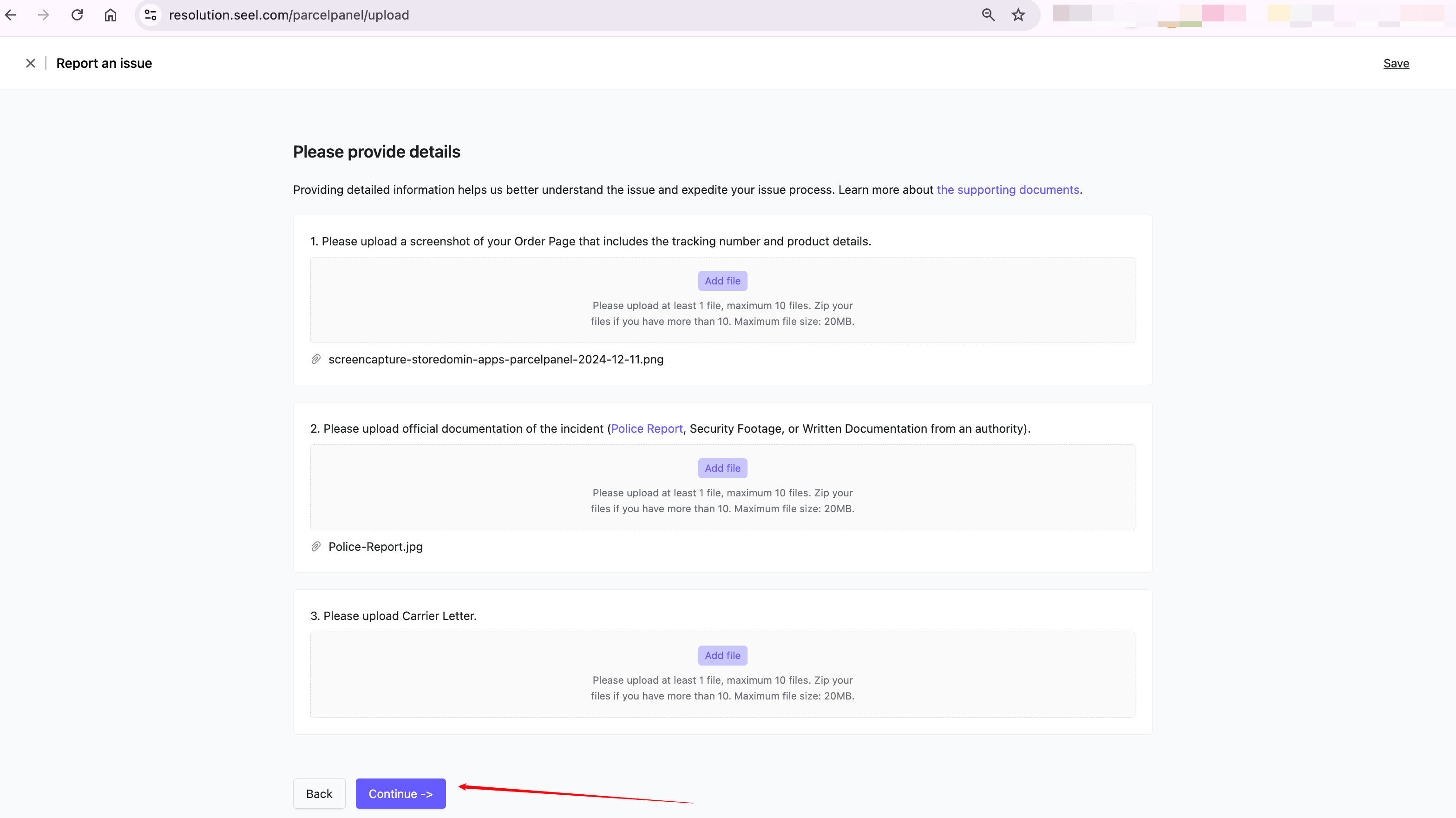
In this example, I will upload a screenshot of the tracking information from the ParcelPanel tracking page and the Police Report file to the first and second points. Customer can upload as many supporting documents as possible based on the situation.
It's not difficult to obtain these documents, for example, a Police Report can be completed in just 15 minutes following the instructions in the document. If customer don’t have these documents yet, click "save" in the top right corner to save the progress and continue later.
If you have additional information that may help the reviewer better understand your case, please provide it here.
Step 3: Choose Payment Method for Compensation
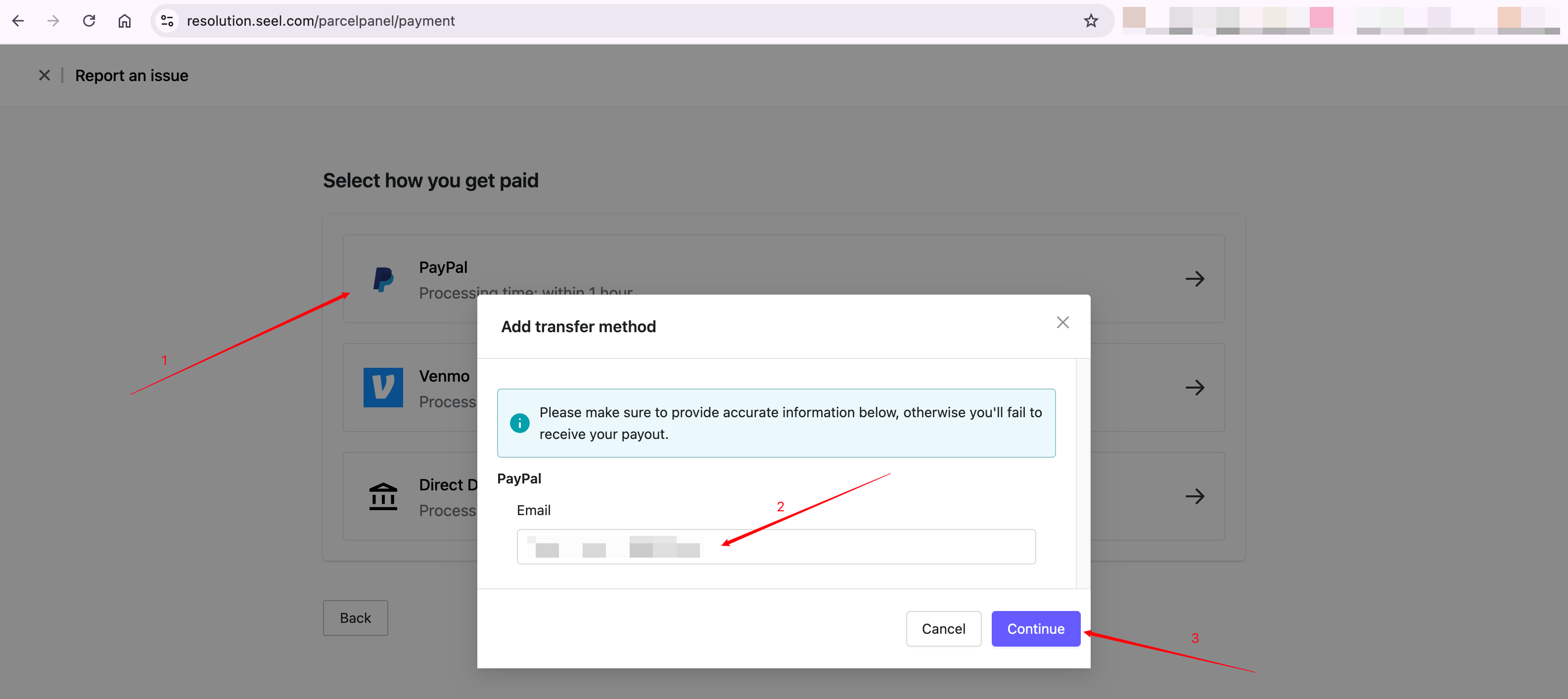
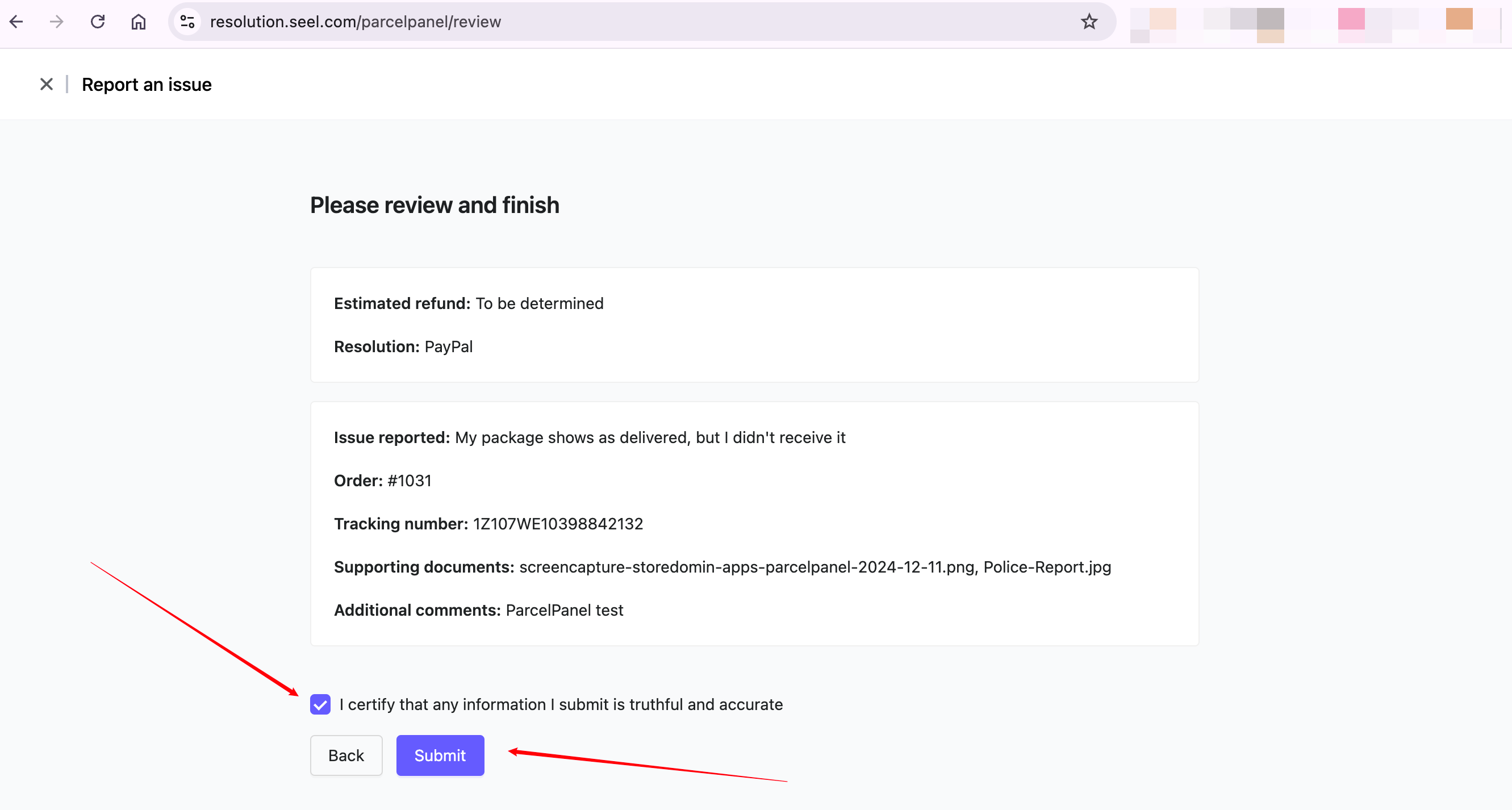
Select the preferred payment method to receive compensation → Fill in the relevant details in the pop-up window, then click the "Continue" button → Review, check the checkbox, and click "Submit" to complete
Step 4: Wait for Seel’s review (usually within 48 hours)
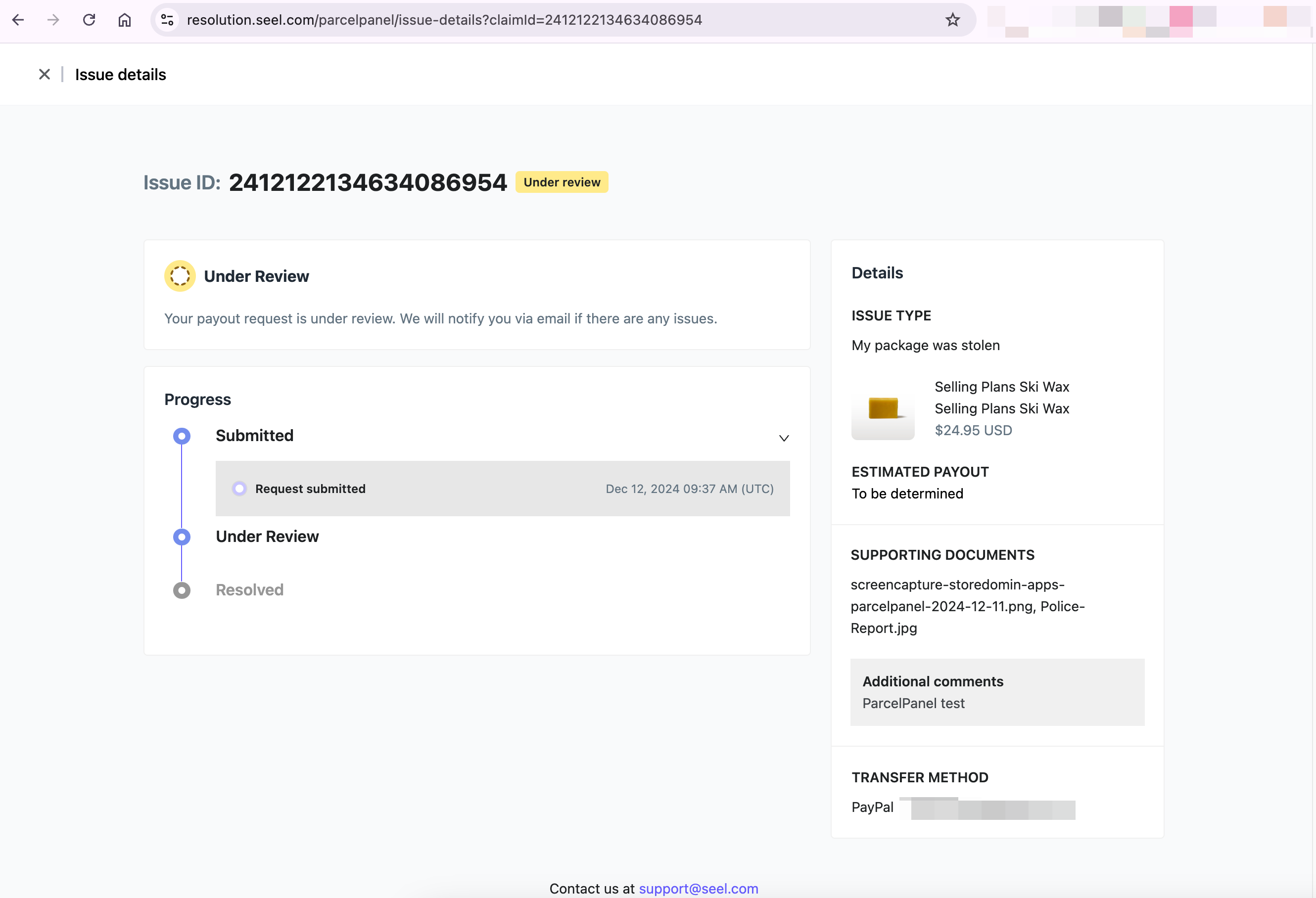
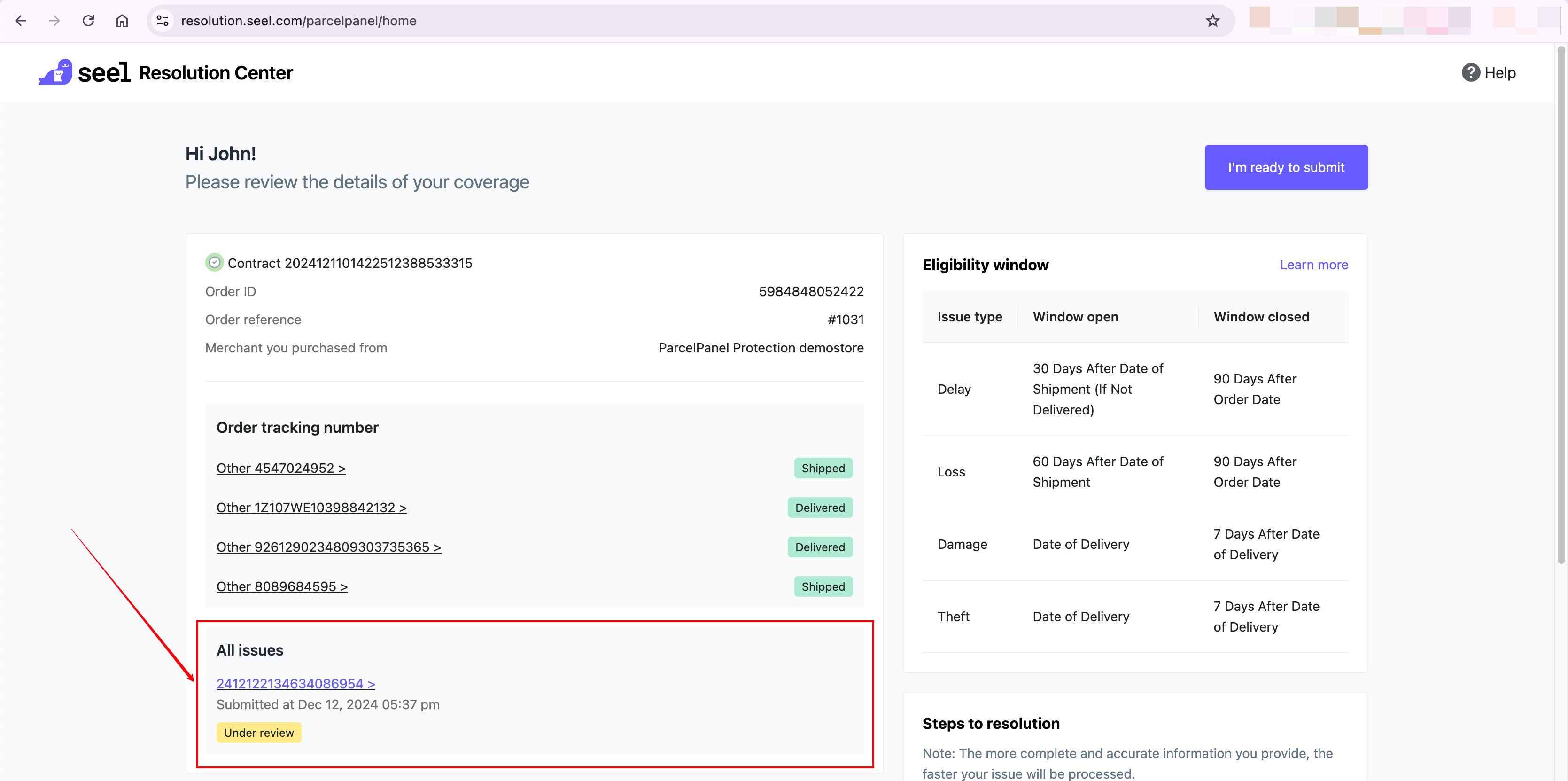
After submission, the customer will receive an email from Seel confirming the claim is under review. They can check the status anytime in Seel’s resolution center. If more info is needed, Seel will contact them via email. Please check the inbox for updates.

Claim is reviewed and accepted:
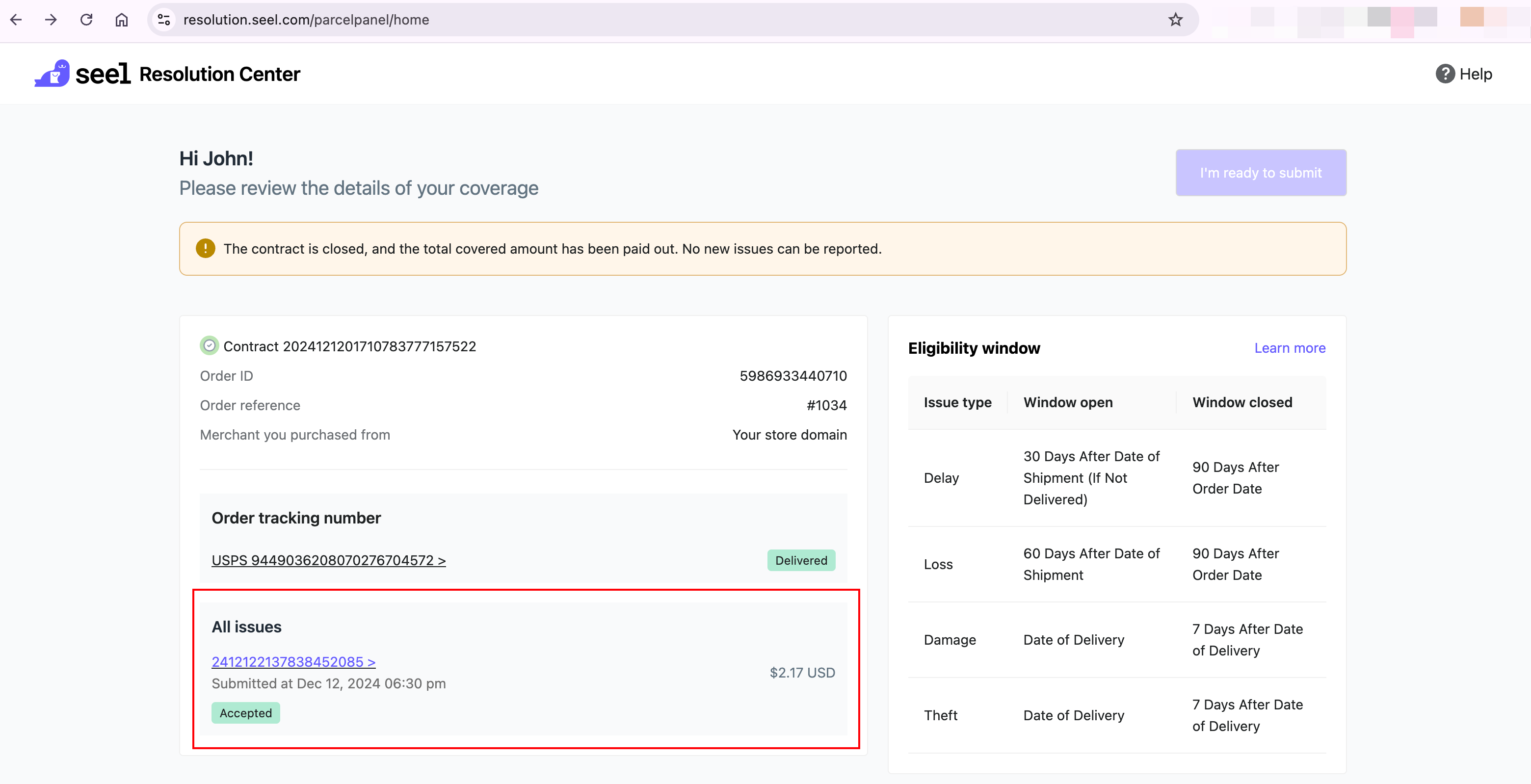
Step 5: Receive compensation after review approval
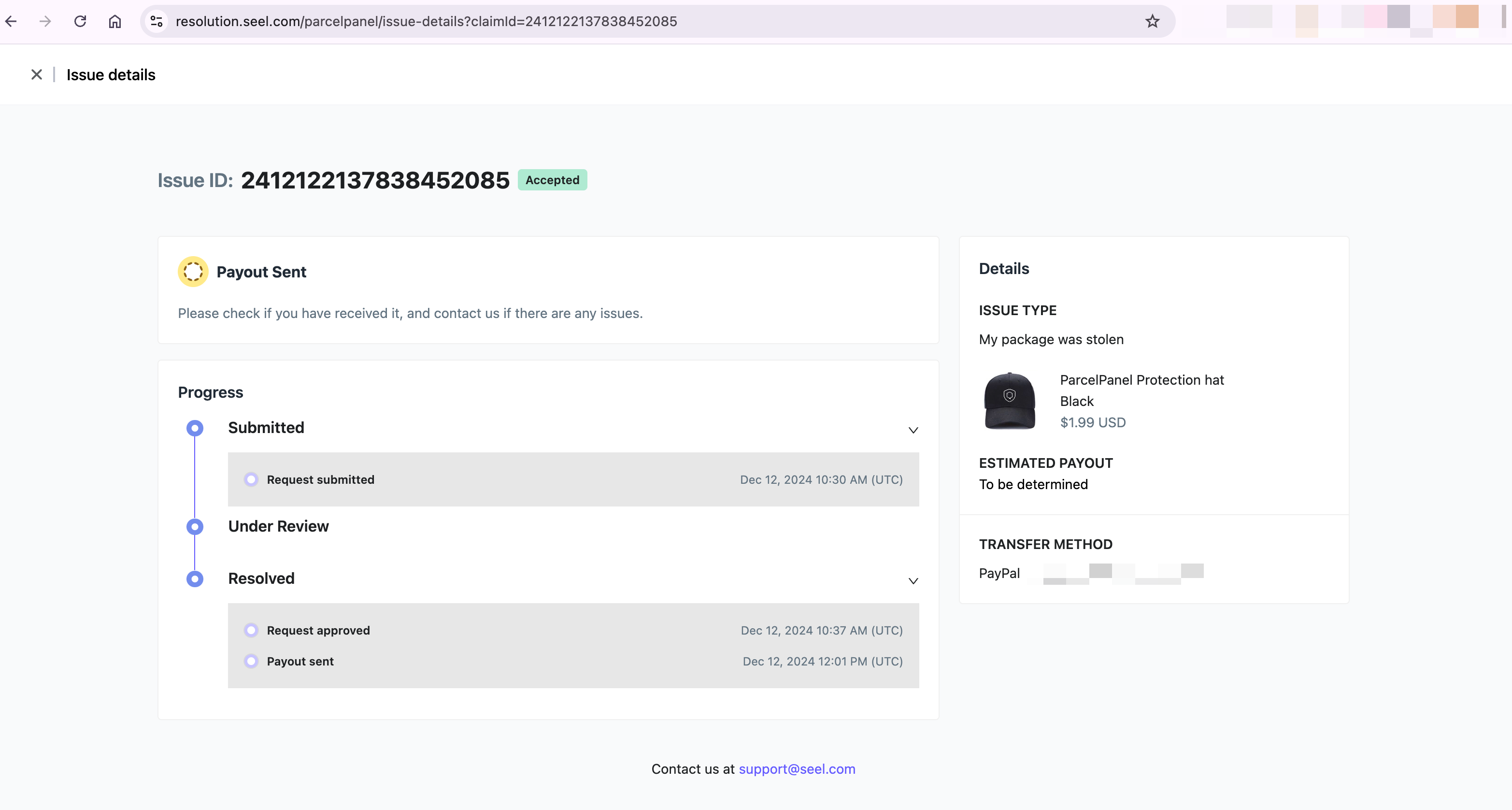
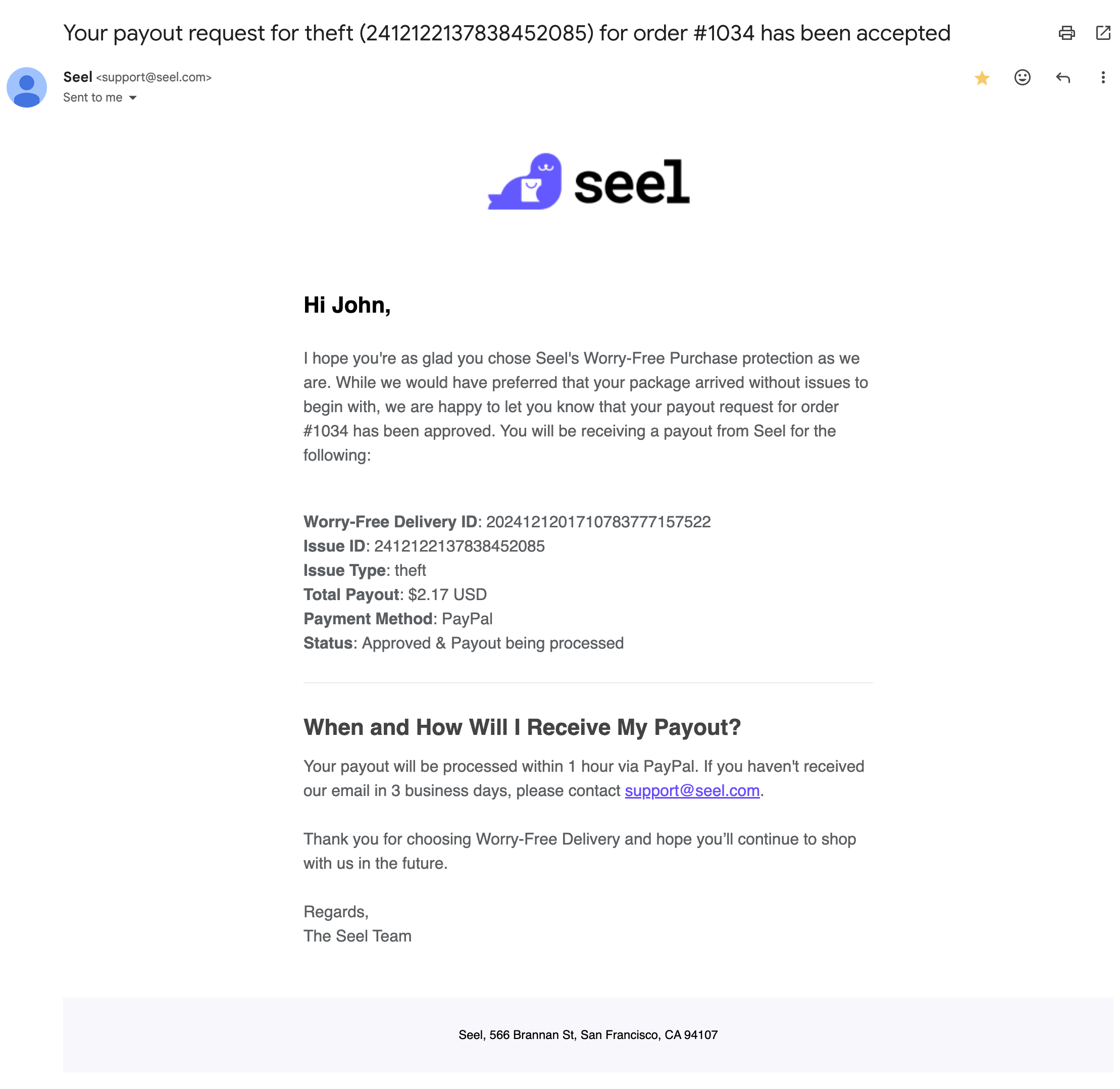
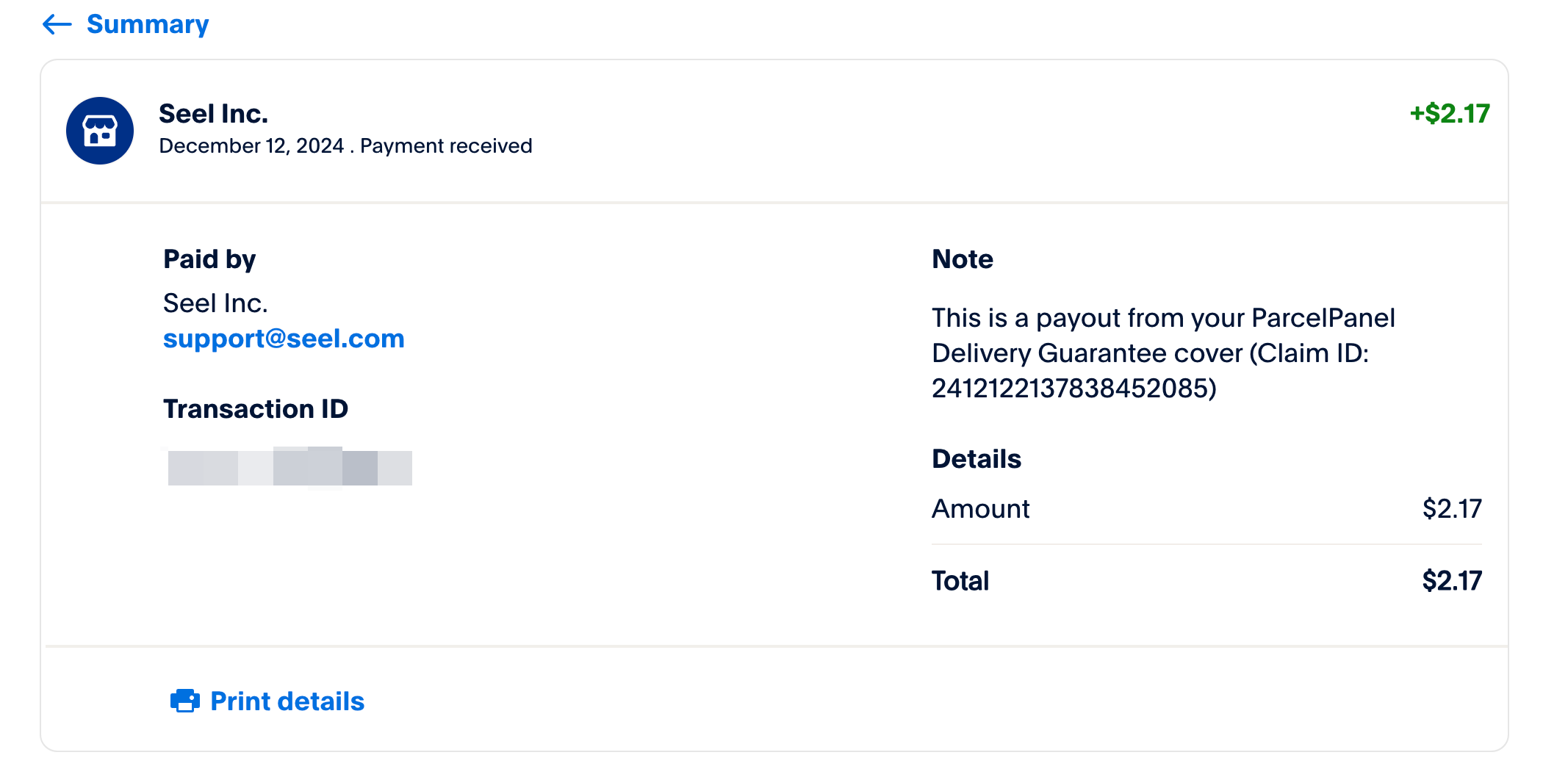
Once Seel completes the review and approves the claim, compensation will be issued to the customer’s selected payment method.
Need help? Feel free to contact us via email